Skip to navigation
Skip to main content

Help Center
BILLING MANAGEMENT
Managing overdue invoices
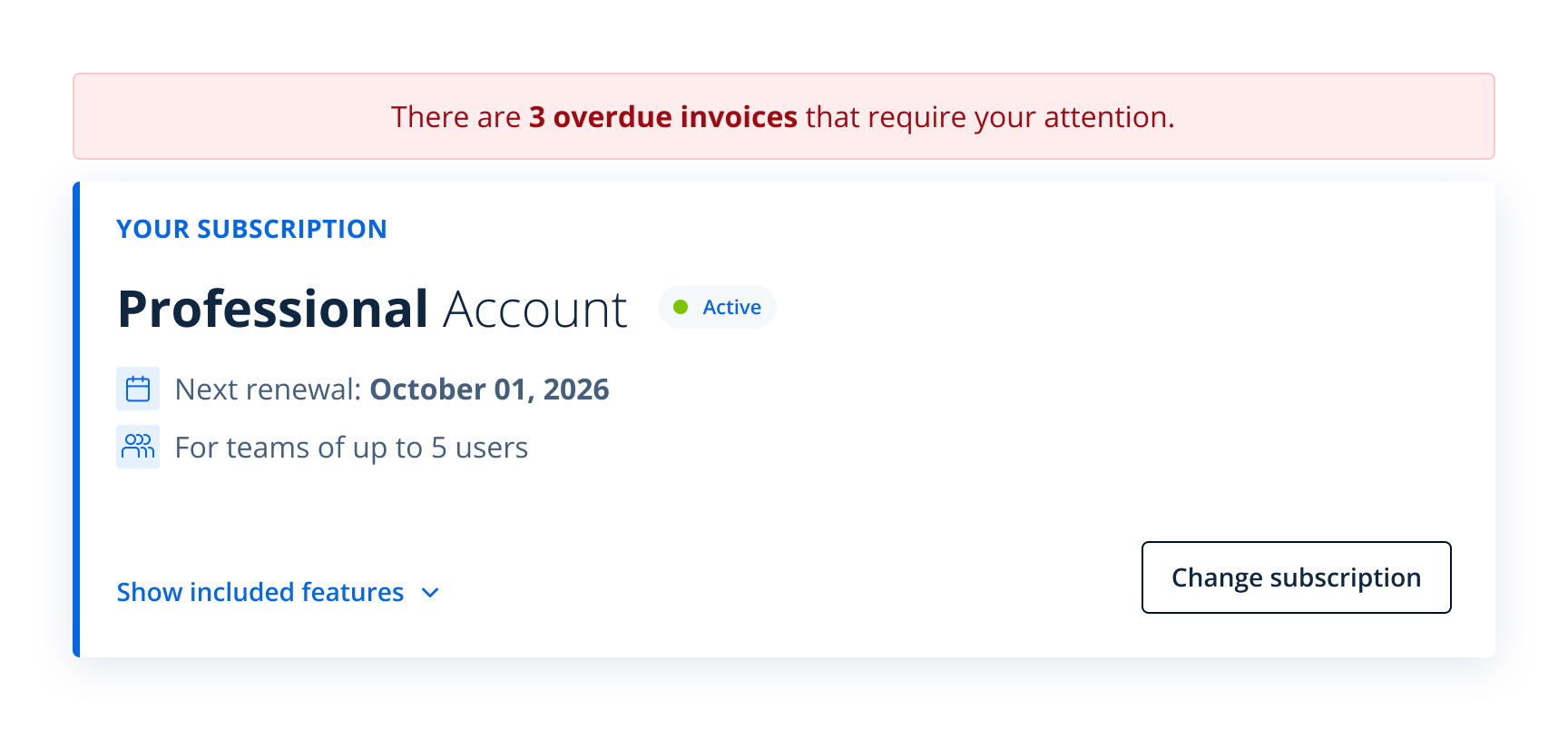
If you have overdue invoices, a red notification box appears at the top of the page. This box also shows how many invoices are overdue.
Overdue invoices are marked with the status OVERDUE. You can pay these invoices directly using the Pay now button on the right side of the row.
Topics
Was this article helpful?
Need help?
Feel free to contact us anytime and we will respond as quickly as possible.
Ask us something