How to use the search function on Statista
Search function
Find the insights you need, faster and with more confidence.
Statista's search is built to understand what you're looking for, whether you type a short keyword or ask a full question. With smarter results, clearer information, and AI-powered shortcuts, you can spend less time searching and more time making decisions.
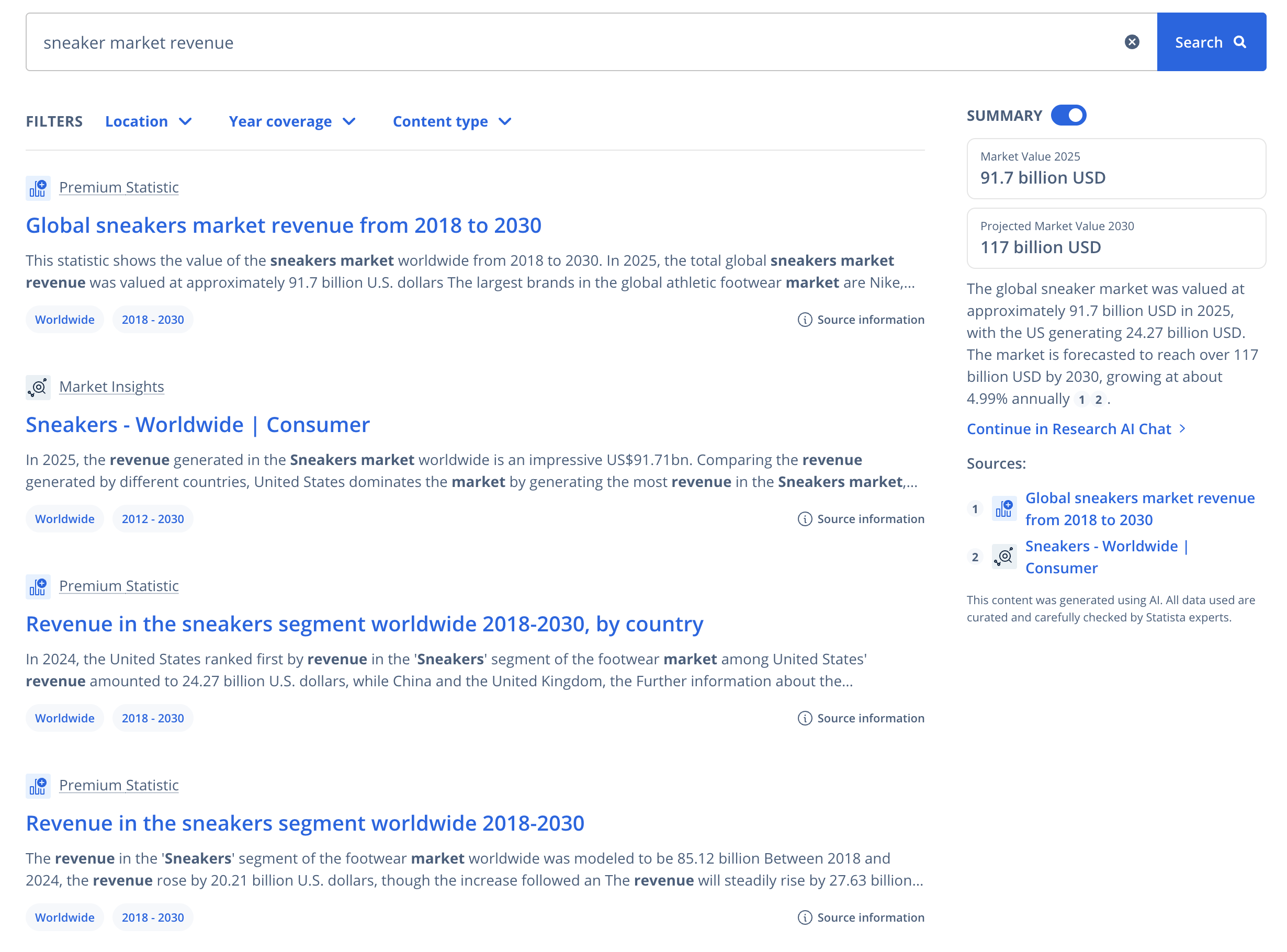
How to use the search page
Our search combines two ways of understanding your question: one that looks for matching words, and another that looks for meaning. You can ask questions in your own words and the search will understand your intent. The Statista search engine understands:
- Short queries
- Long, natural-language queries
- Combinations of topics, regions, and years
This means more relevant results and more relevant autocompletion suggestions.
Search bar
The search bar sits at the top of the page, ready for you to enter keywords related to your topic of interest.
The search bar includes:
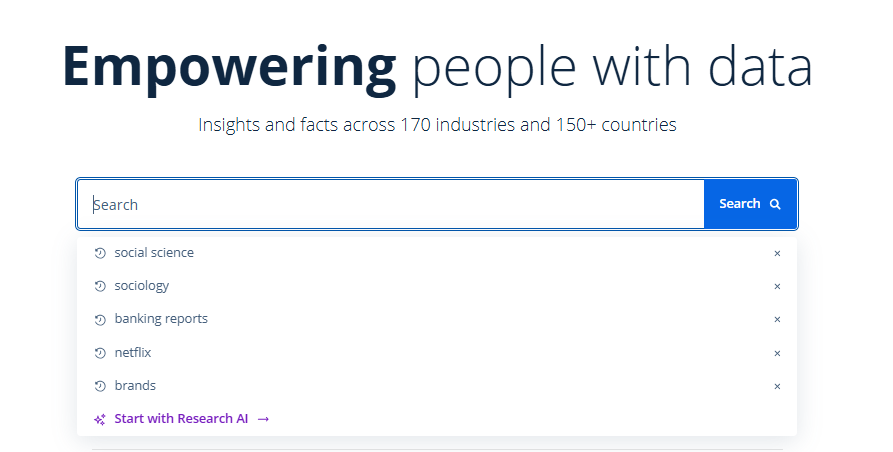
- Autocomplete suggestions: The search bar offers real-time suggestions based on popular or relevant terms as you type your search. Click on a suggestion to trigger a search for that term.
- Search history: Clicking into the search bar displays a dropdown of your recent searches. You can revisit past queries with one click. Simply click the “X” next to it to delete it from your history.
Using filters to refine your search results
Narrow your results with the filters that matter most:
- Location: Filter by country or region
- Year coverage: Filter by the years the content actually covers, not the publication date
- Content type: Select statistics, reports, insights, or other content types
Open the filters underneath the search bar and select your preferences.

AI summary in search
Get a quick overview of the first 10 results on page 1, so you can grasp the essentials faster and decide what to explore next.
What makes it trustworthy:
- Uses only Statista content, no external sources
- All underlying sources are listed
- Every statement is traceable
- No hidden interpretations or speculation
- Not based on personal user data

The AI summary gives you the speed of an AI overview without losing visibility or control. Want to go deeper into a topic? Click “Continue in Research AI Chat” to continue exploring.
Search suggestions
If you didn’t find what you’re looking for or would like to expand your search, below your search results, you'll find two ways to explore further:
- Keyword suggestions: Refine your search with a single click
- AI Chat suggestions: Start a conversation to explore the topic deeper
Both help you discover more insights faster.