Seat Management
How to assign a seat (Add a User)
Assigning seats is the main advantage of the Seat Management feature in Statista. You can independently add other users to your account, provided certain criteria are met.
Who can be invited?
The email address you enter must be linked to an active Statista account. Any account type, such as Basic, Starter, or Personal, is accepted. The user should not belong to another group before being added.
If the person you want to assign a seat to does not yet have a Statista account, they can easily register for a free Basic Account here: Create a Statista account.
How does it work?
- Click "Add User" at the top right of the page.
- Enter the required information:
- Email address. Please note: You can only assign a seat to users who already have a Statista account.
- Department
- Country
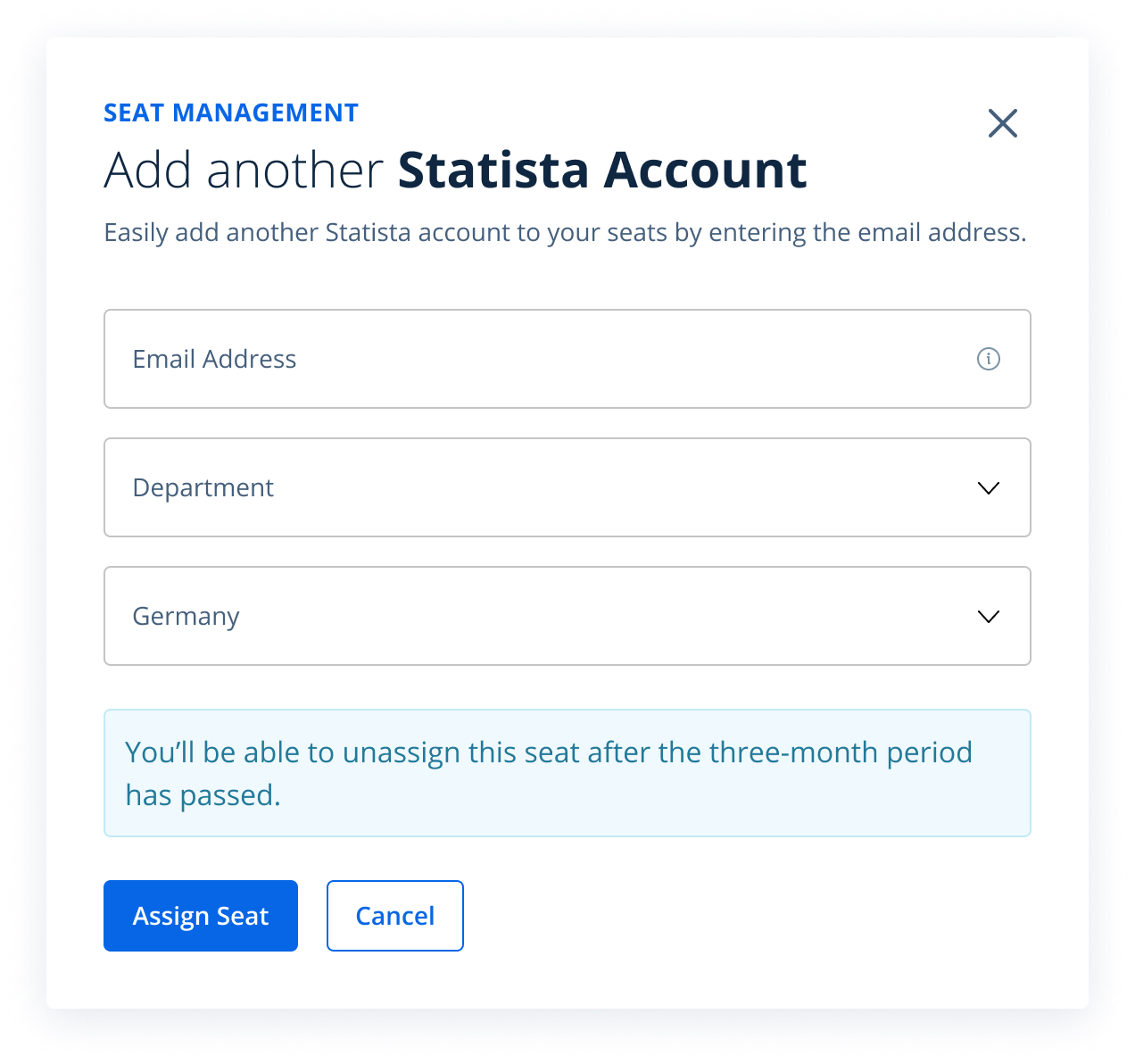
- Click "Assign Seat".
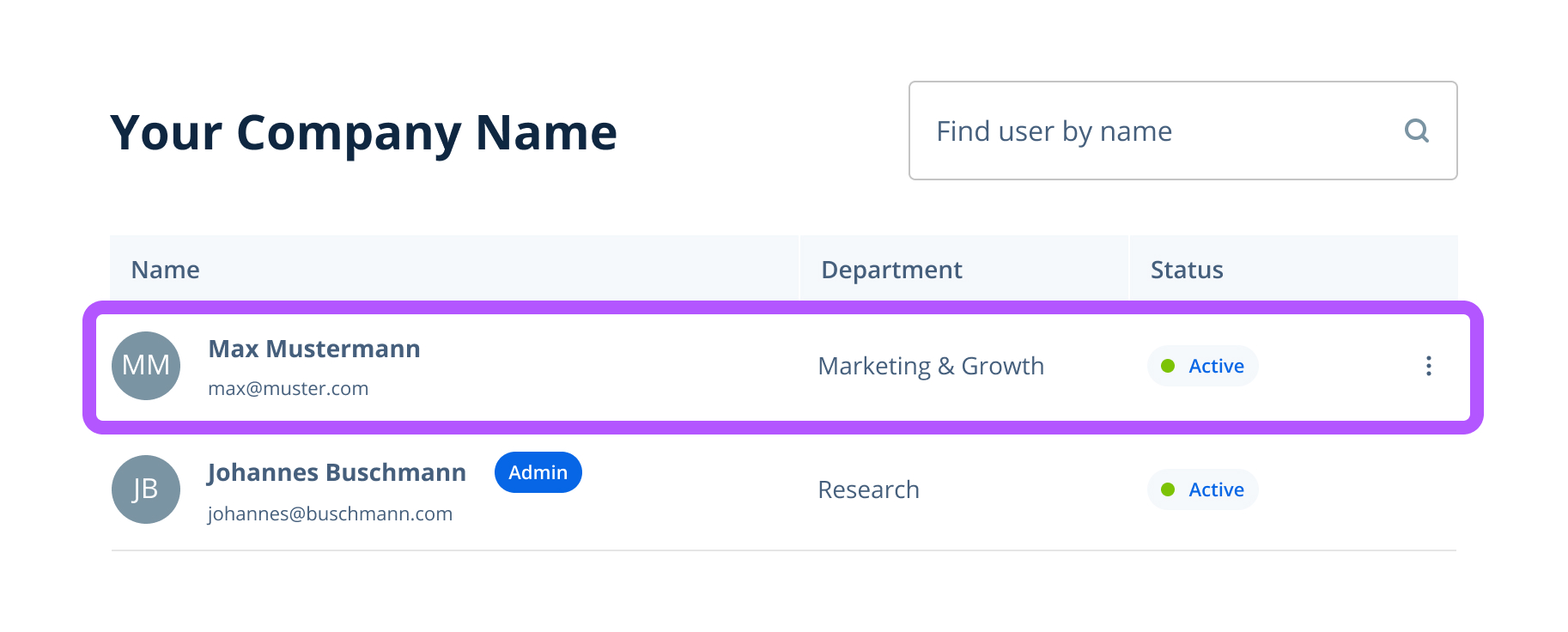
The user will now be added directly to your account and will appear in the user list.
Please note: This process may take 5–10 seconds, depending on system load.
Possible error messages and solutions
Trouble adding a user? If you see an error and the user is not added, please review these possible issues and steps to resolve them:
- User does not have a Statista account: The person you would like to invite must first register on the Statista platform.
- User already has a seat in another group: The user must first be removed from that group.
- User already has a seat in your group: The user is already part of your group and cannot be invited again.
- No more available seats: All seats in your group are assigned. In this case, please contact the Customer Support team to request more seats for your group.