You can easily remove users from your group to keep your Statista account organized.
Please note: In order to maintain service excellence, we recommend a minimum duration of 3 months between seat changes. This guideline helps to maintain operational consistency and provide you with the best possible service and support.
How does it work?
If the user has held a seat for more than 3 months, you can remove them by following these steps:
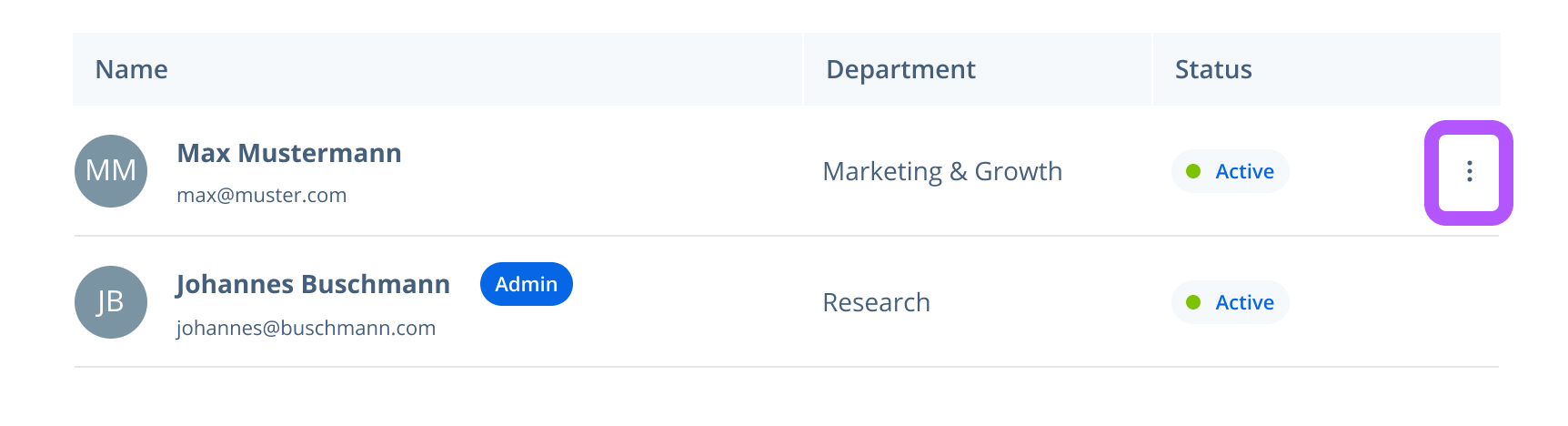
In the user list, find the user you would like to remove. You can also use the search function if you have a long list.
Click the three dots next to the user’s name.
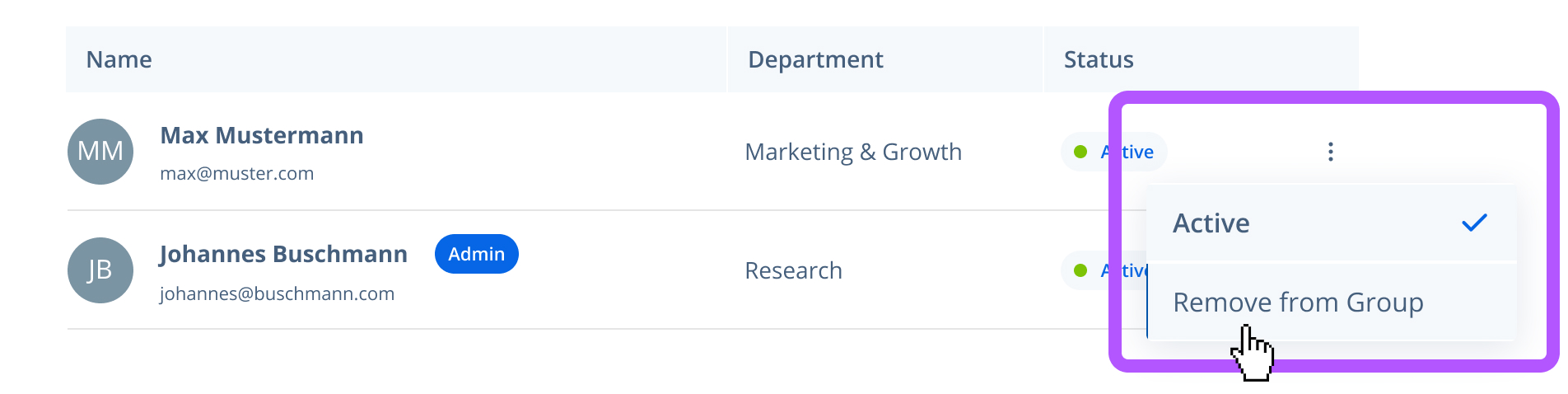
Select "Remove from Group".
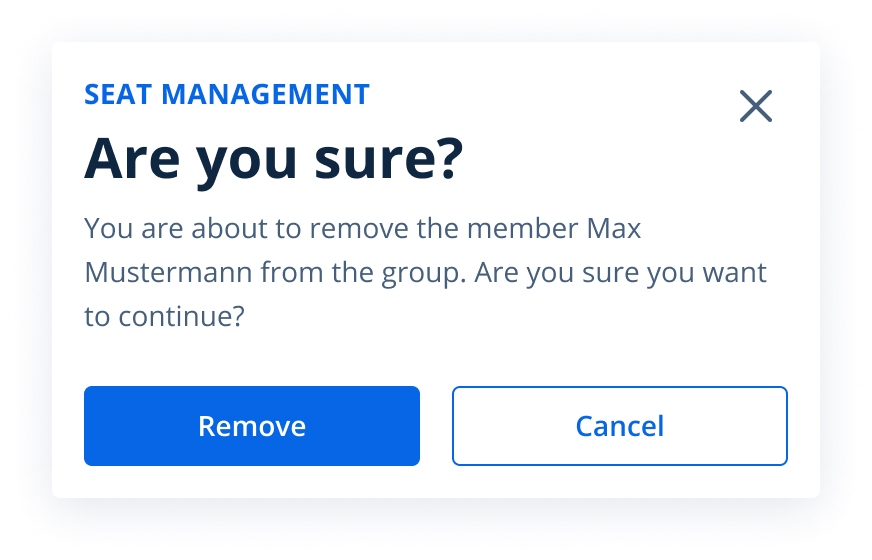
A confirmation message will appear. Click "Remove" to confirm.
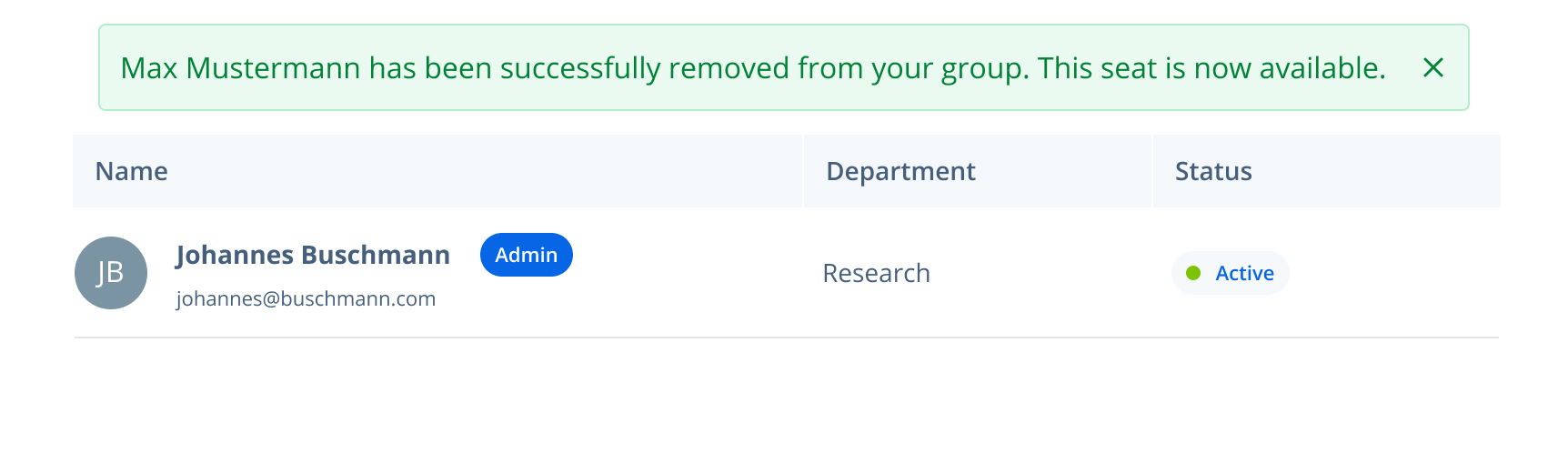
The user will be removed, and the seat will be available to assign to another user.
Possible error messages and solutions
Trying to remove a user, but see a message that the user can’t be removed?
You can only unassign a seat, meaning remove a user, after the seat has been active for 3 months.