Seat management
New: Professional Account users can now easily invite and manage other users in your account.
With the Seat Management tool, you can quickly and easily invite others to join your Professional Account, allowing you to share all the benefits your account offers.
As a logged-in user, you’ll find Seat Management in your Account Details, accessible from the menu on the left. In this section, we’ll guide you through each area and explain its functions.
Seat management overview
Add a user
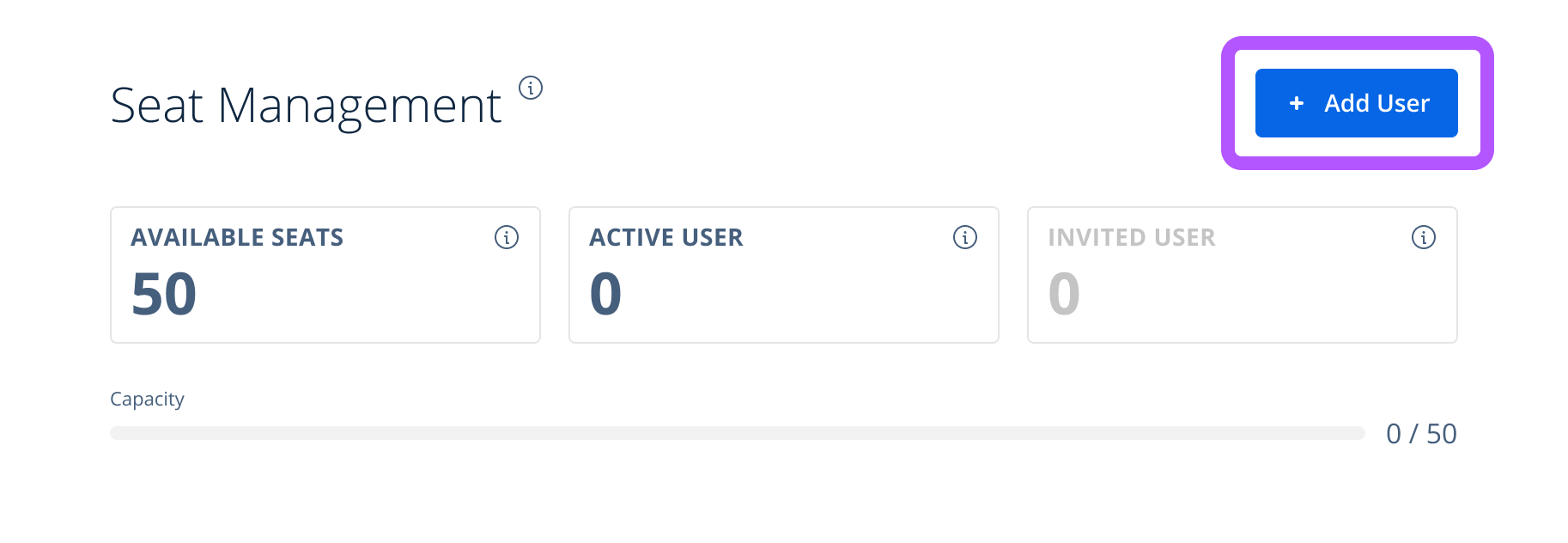
The most important button is located at the top right. Use this button to invite other users with a Statista account to join. For more details, learn how to invite a user to your account.
Seat usage cards
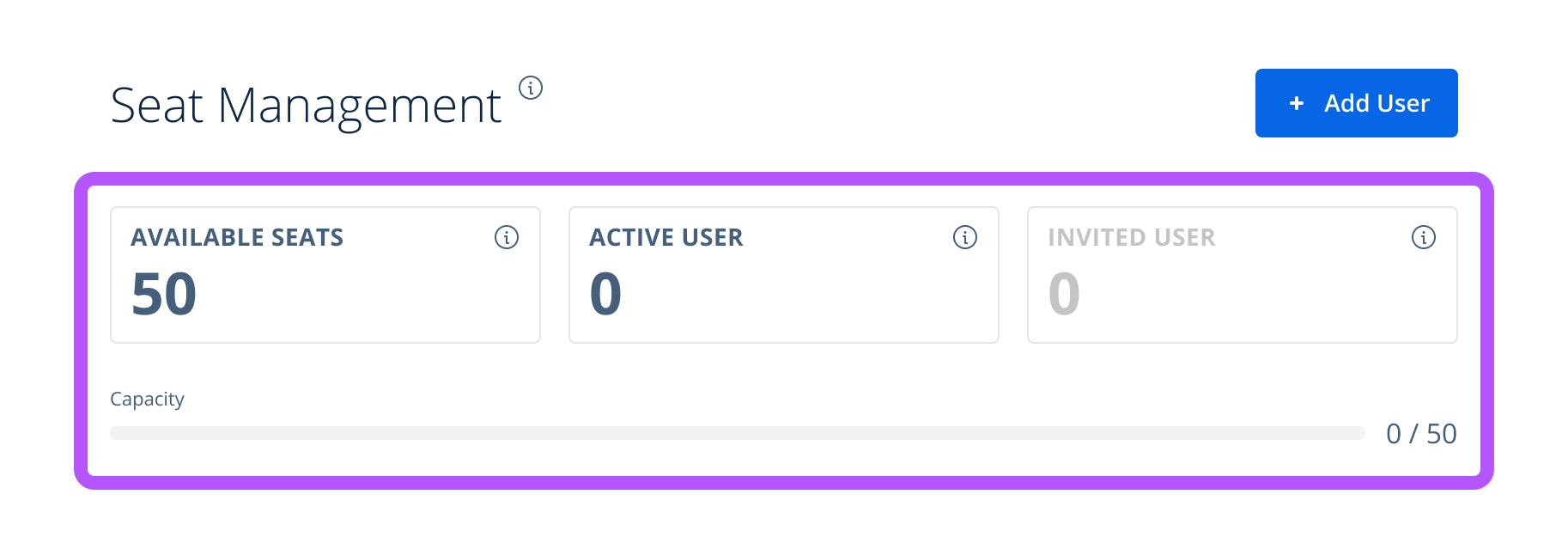
At the top of the page, you’ll see a clear overview of your account’s seat usage. Three cards are displayed:
- Available seats: The number of seats you can still assign
- Active users: The number of users currently using their seat
- Invited users: Users who have been invited but whose seats haven’t been activated yet
Each value is shown in a visual counter box, supported by a progress bar that helps you assess seat utilization at a glance.
Below the three cards, a progress bar allows you to see at a glance how many seats you still have available.
List of users
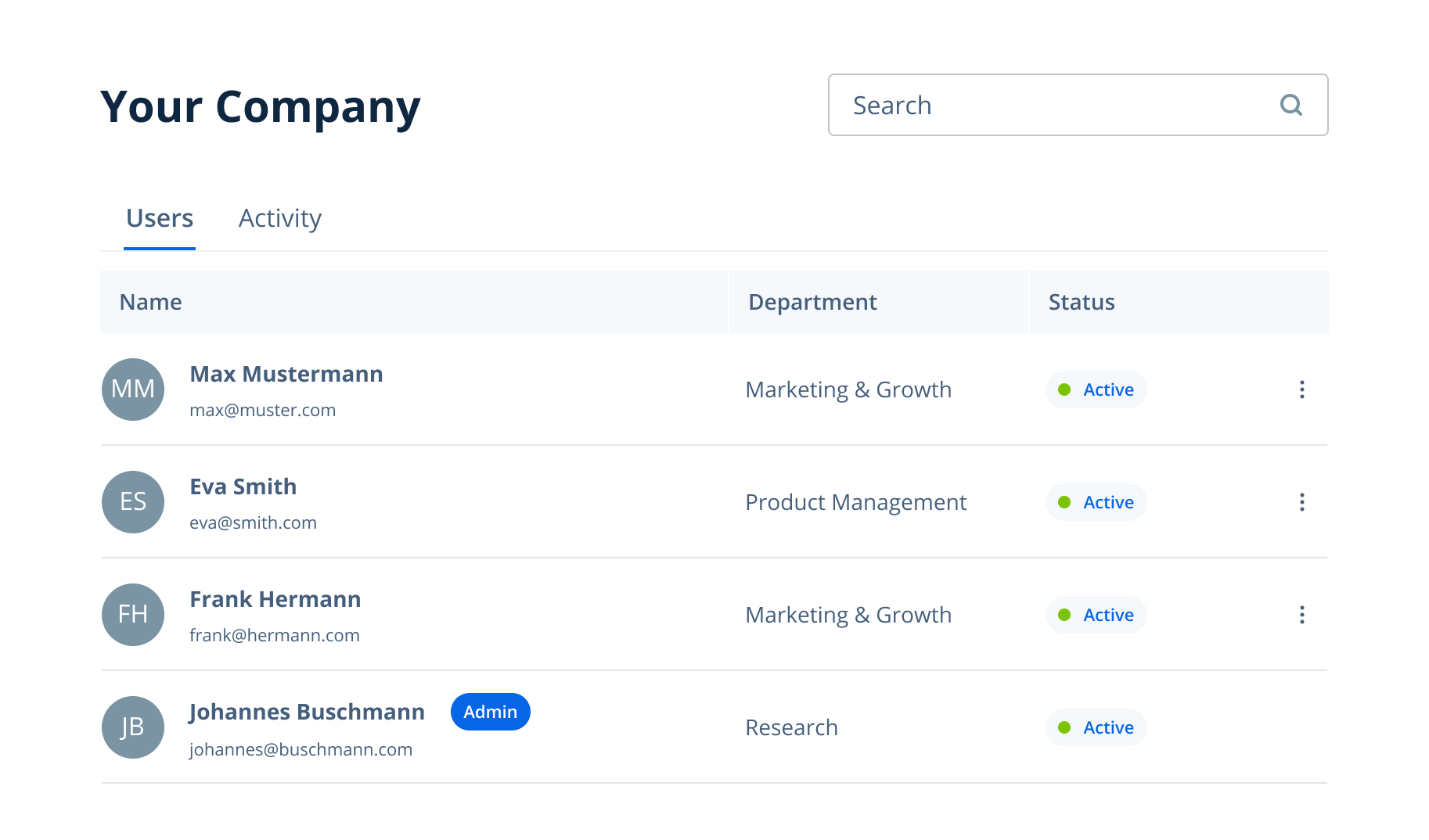
Below the overview, you’ll find a detailed list of all active users with seats assigned in the first tab under Users. You can use the search function at the top of the list to quickly find users by name or email address.
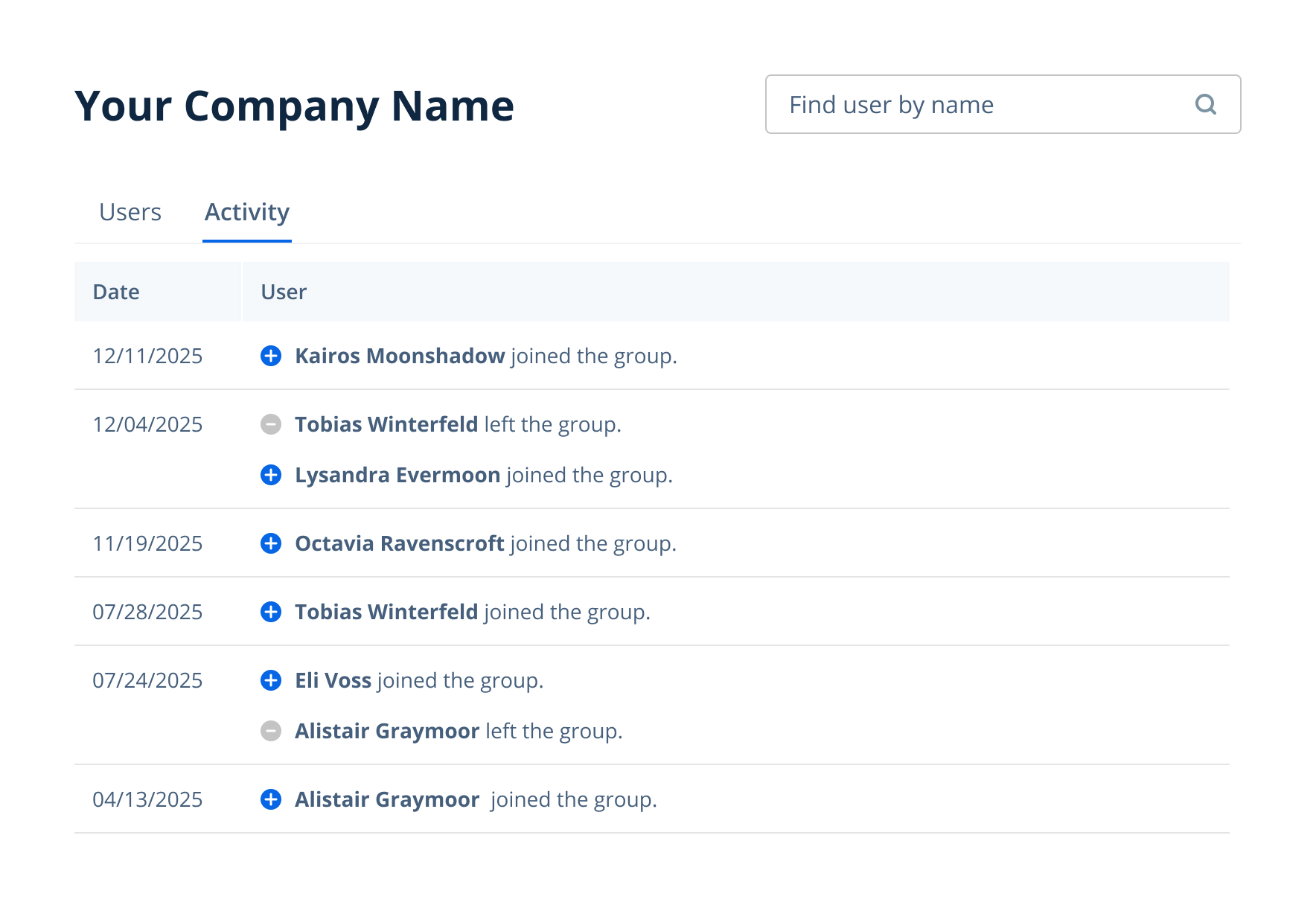
In the second tab, Activity, you’ll find an activity log showing which users have joined or left the group.
If you need more help or want to know more about Seat Management features, please contact our Customer Support team.